

AI API & LLM Token Cost Calculator Spreadsheet (Google Sheets & Excel)
Google Sheets + Microsoft Excel · Light & Dark Modes
Multi-Model Pricing Matrix, Prompt Tokenizer, Agent Forecaster & Monthly Budget Hub
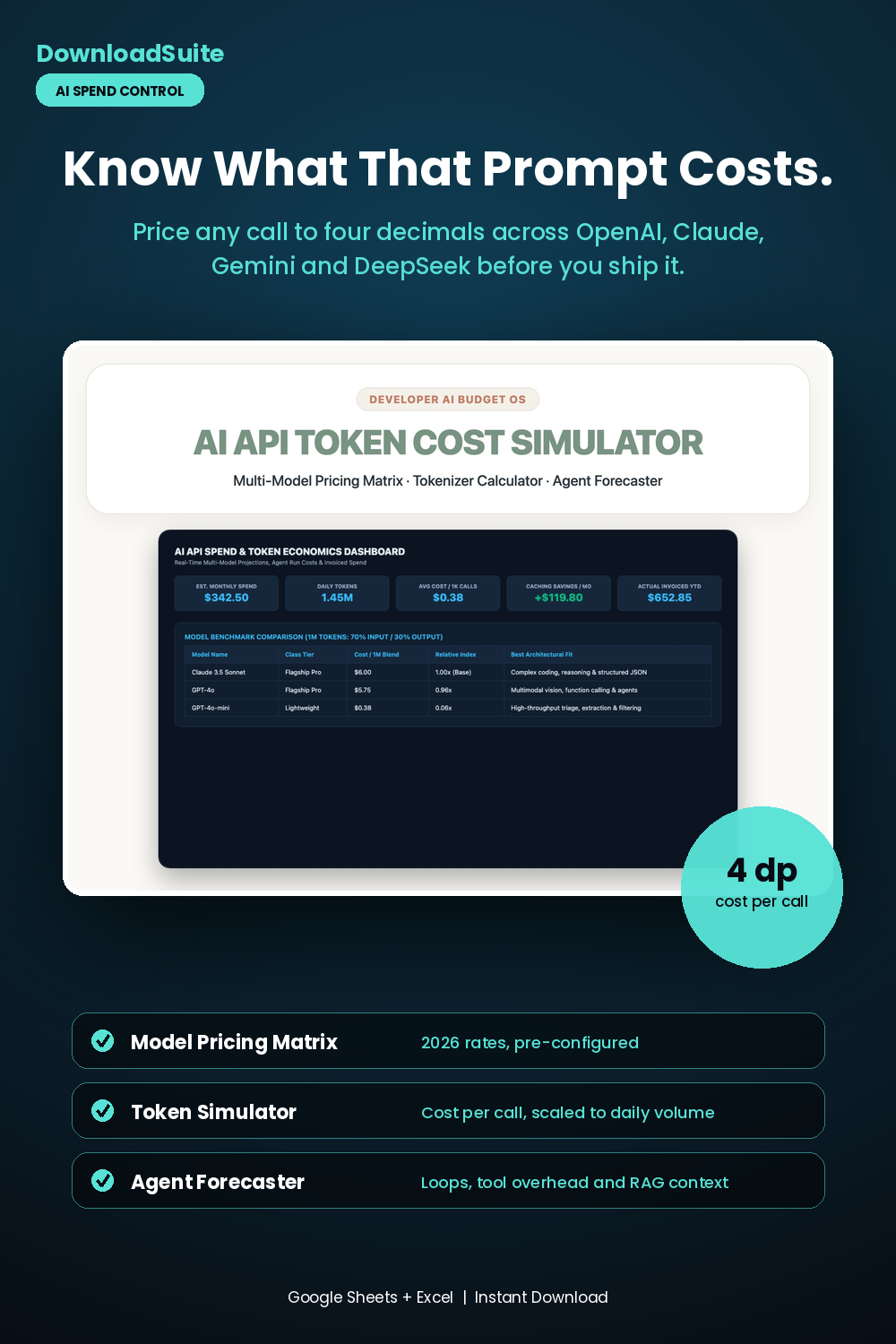
- AI Spend Command Dashboard (Live Monthly Spend, Daily Tokens & Caching Savings)
- Master Model Pricing Matrix (Pre-configured 2026 rates for OpenAI, Claude, Gemini & DeepSeek)
- Query-Level Token Simulator (Exact cost per call to 4 decimal places with daily volume scaling)
- Multi-Agent Workflow Forecaster (Model autonomous agent loops, tool overheads & RAG context)
- Monthly API Spend & Invoice Ledger (Reconcile actual invoices against budget caps)
- Companion AI Prompt Pack Included (Token pruning, system prompts & MCP tool architectures)
- Light & Dark Mode Included (Google Sheets + Microsoft Excel)
Instant digital download. All sales final. Message us anytime for help.
Take complete control of your developer API billing, token economics, and cloud software spending. The DownloadSuite AI API & LLM Token Cost Simulator is an automated technical financial spreadsheet engineered specifically for developers, SaaS founders, agency owners, and tech professionals.
Stop guessing your monthly API bills and suffering from unexpected cloud overage charges. This all-in-one Google Sheets and Excel system organizes your entire token financial lifecycle — from pre-configured 2026 pricing benchmarks across flagship and lightweight models to query-level tokenizer simulators, multi-agent loop forecasters, and monthly invoice variance ledgers.
What's Included in This System:
- AI Spend Command Dashboard: High-contrast KPI cards for Projected Monthly Spend, Daily Token Volume, Average Cost per 1k Calls, Prompt Caching Savings ($), and Actual Invoiced YTD. Includes interactive model benchmark comparison tables.
- Master Model Pricing Matrix: Pre-configured 2026 pricing benchmarks per 1M tokens (Input, Output, Prompt Caching, Batch API, and Context Windows) across leading frontier and lightweight model architectures.
- Single-Call & Conversation Token Simulator: Calculate exact query costs to 4 decimal places based on prompt word counts, system message overhead, expected output tokens, and prompt caching discounts.
- Multi-Agent & RAG Workflow Forecaster: Model complex autonomous agent loops, tool-calling overhead, RAG context window injections, and monthly operational run costs.
- Monthly API Spend & Invoice Ledger: Track real provider invoices against budget caps with automated overage alerts and variance math.
- AI Prompt Guide Included: Complete companion prompt pack with 15 word-for-word prompt architectures for prompt token pruning, multi-model routing policies, MCP tool definitions, and RAG context optimization.
- Light & Dark Mode Included: High-contrast Dark Mode (Cyber Obsidian & Neon Azure) for late-night coding plus clean minimalist Light Mode.
How to Use:
- Open the Google Sheets link or native Excel workbook and review the pre-configured model rates in the Pricing Matrix.
- Enter your estimated daily query volumes and word counts in the Token Simulator to view projected monthly bills.
- Model complex agent loops and tool overheads in the Agent Forecaster to eliminate billing surprises before deploying to production.
What's inside
- Start Here Quick-Start & Token Economics Best Practices Guide
- AI Spend Command Dashboard Tab
- Master LLM Model Pricing Matrix Sheet
- Single-Call & Conversation Token Cost Simulator Tab
- Multi-Agent Workflow & RAG Cost Forecaster Sheet
- Monthly API Spend & Invoice Ledger Tab
- Companion AI Agent System Prompts & MCP Tool Routing Pack (AI_PROMPT_GUIDE.md)
- Instant Google Sheets Copy Links + Native Excel .xlsx Workbooks
FAQ
Can I add custom or fine-tuned model pricing?
Yes! You can add custom model names and input/output rates per 1M tokens in the Pricing Matrix tab and all simulator formulas will update automatically.
Does it calculate Prompt Caching and Batch API discounts?
Yes! The simulator calculates 90% prompt caching discounts on static context as well as 50% Batch API discounts for asynchronous bulk jobs.
Does it work in Excel and Google Sheets?
Yes! Both native Microsoft Excel (.xlsx) workbooks and instant Google Sheets copy links in Light and Dark themes are included.